Modernizing Macy’s In-Store Technology
POS, inventory and operational tools used by Macy’s store associates.
Senior Product / UX Designer - 2024–2025
Role
Worked on Macy’s in-store POS used by associates to complete transactions, locate merchandise, manage cash operations, and handle everyday store tasks. My role covered the full UX process—from understanding operational pain points and mapping workflows to designing, validating, and delivering production-ready experiences.
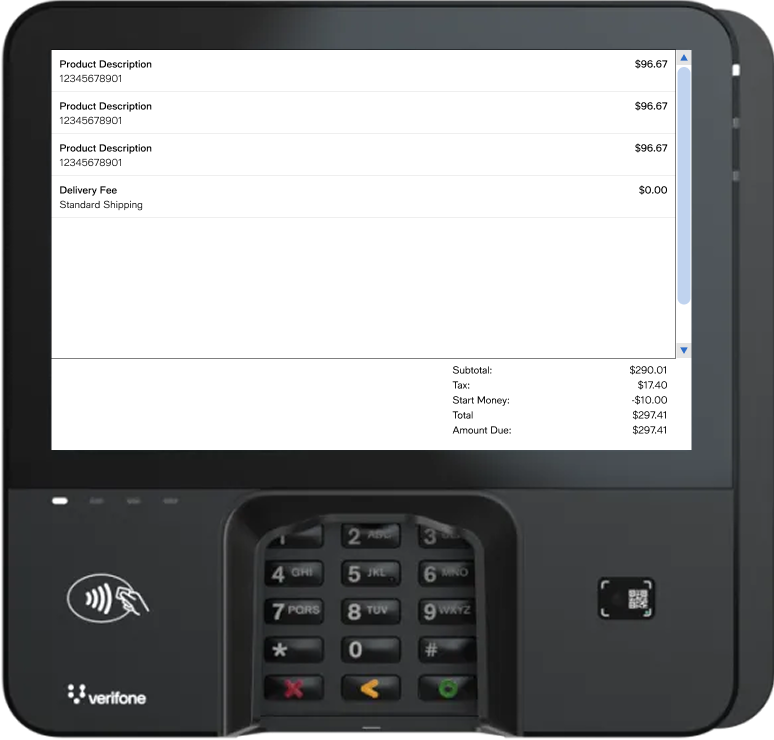
The Challenge
Macy’s associates rely on several tools to serve customers and manage store operations. Many workflows involved too many steps, unclear system feedback, and outdated interaction patterns.
My focus was to simplify these complex workflows without disrupting the speed and familiarity associates need on the sales floor.
30% faster checkout
Simplified key POS interactions.
50% fewer UX defects
Improved consistency and developer handoff.
40% fewer inventory discrepancies
Through clearer inventory workflows and insights.
What I Owned
Discovery → User Flows → Interaction Design → Prototyping → Usability Testing → Design System → Developer Handoff
Worked closely with product managers, engineers, business partners, and store operations teams to translate complicated business rules into workflows associates could understand quickly.
Project 01
Inventory Compass
Modernizing Macy’s inventory reporting and reconciliation experience
Inventory Compass was an initiative to modernize how Macy’s store teams identify, investigate, and report inventory discrepancies.
The existing Daily Out of Balance process relied on multiple systems, manual steps, and legacy reporting workflows. My role was to help bring these experiences together into a clearer, more efficient workflow.
The Challenge
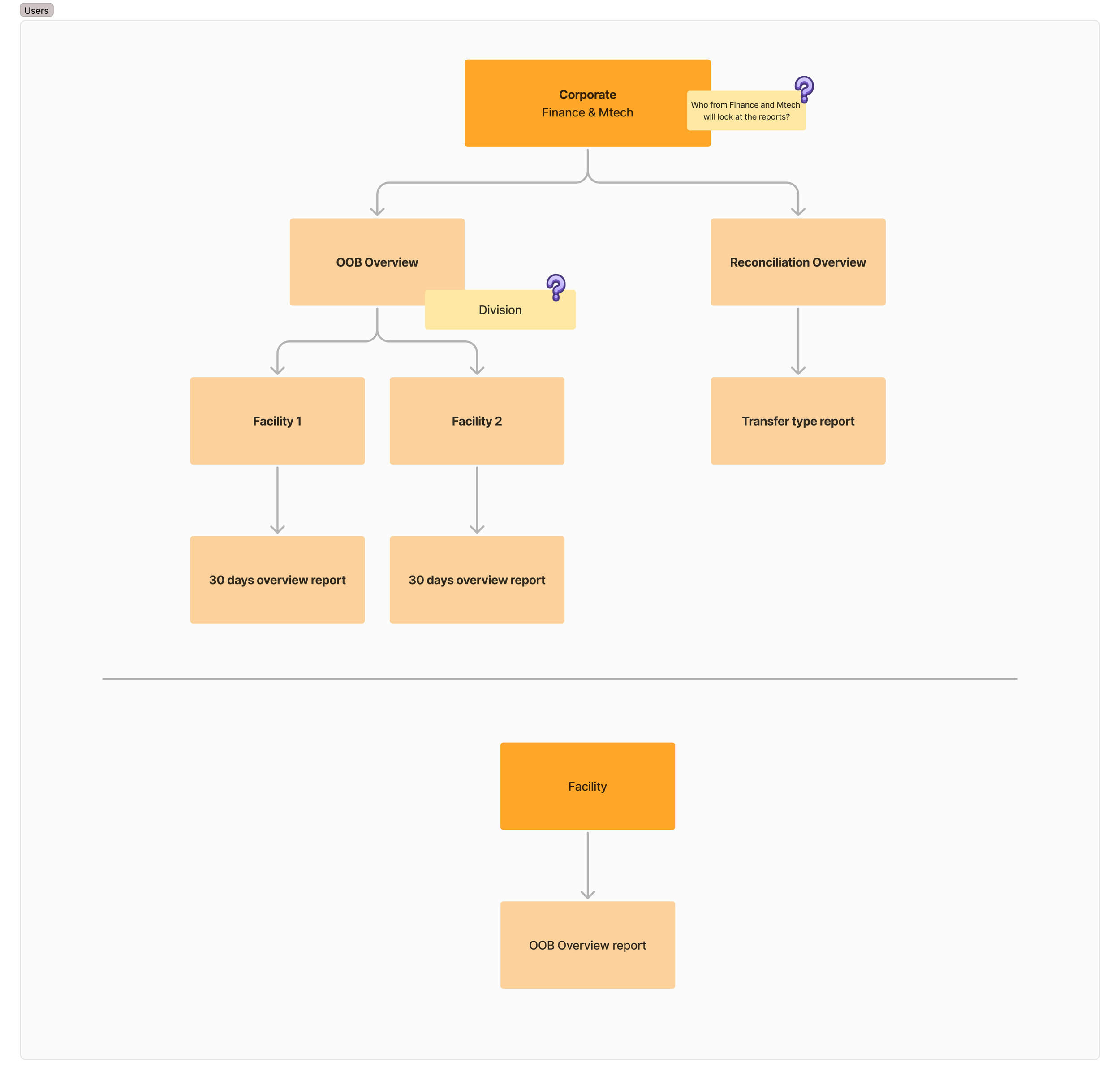
Inventory reconciliation involved data coming from multiple systems, including MTech, CEB and WMS. Users had to compare inventory information, identify UPC-level variances, understand where discrepancies occurred, and generate reports for further investigation.
The process was fragmented and required users to move between systems and interpret complex inventory data manually. The goal was to create a more unified experience that made discrepancies easier to identify and investigate.
Understanding a Complex Ecosystem
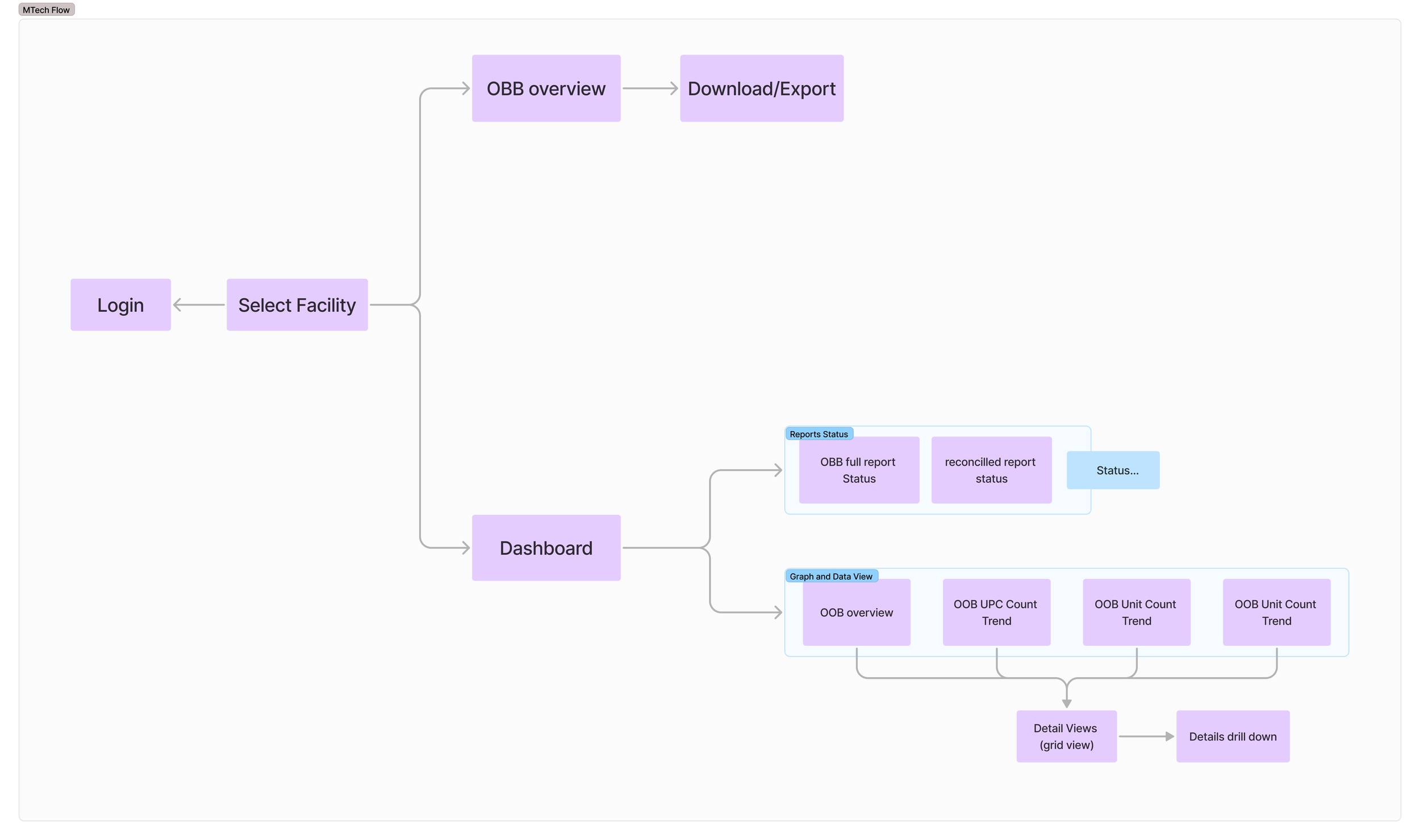
Before designing screens, I mapped how users, systems, inventory data, and reporting processes connected. This included documenting existing CEB and MTech workflows, understanding different user roles, and identifying where the two experiences could be consolidated.
Designing the New Workflow
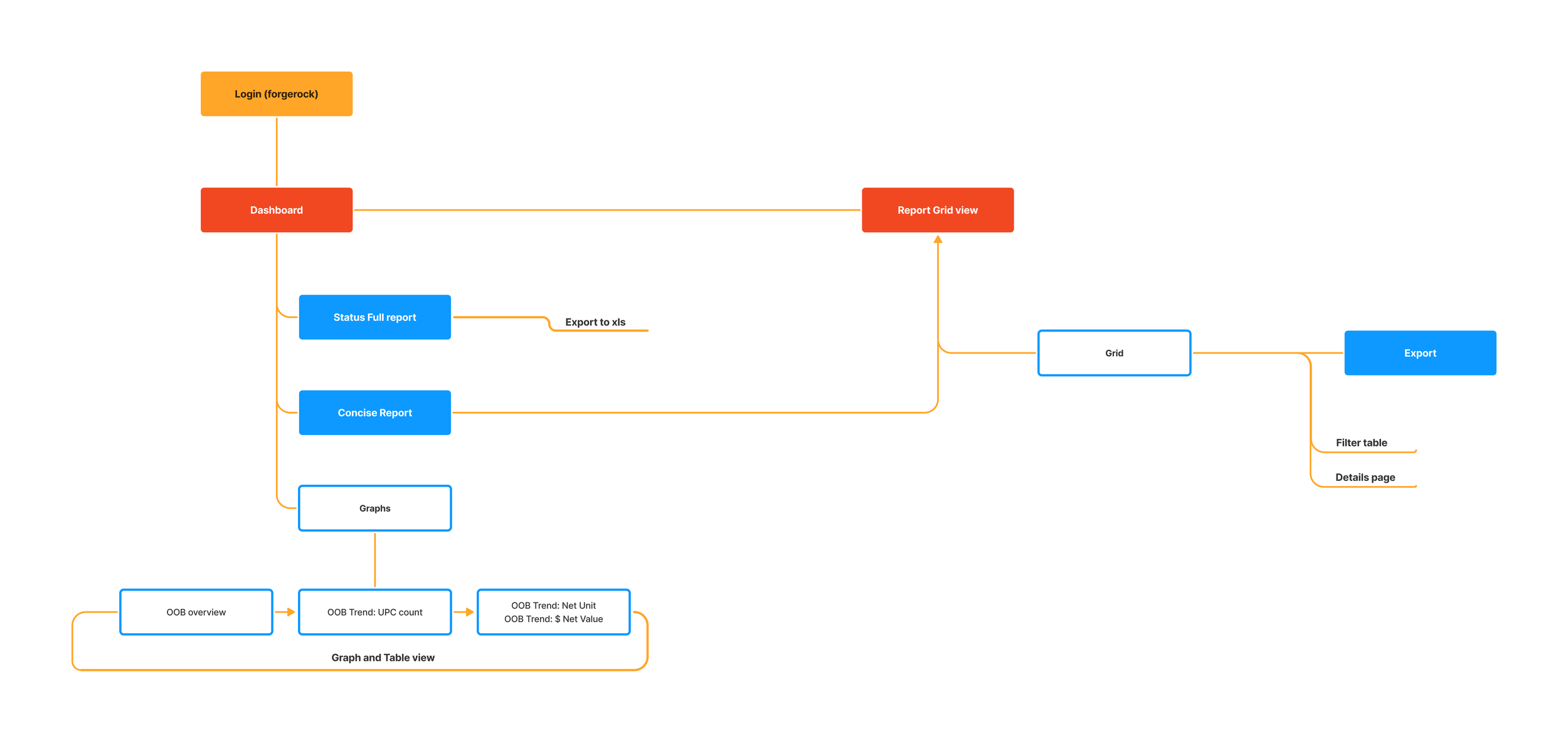
I designed a centralized experience that allowed users to move from a high-level inventory overview into specific areas requiring investigation. The new information architecture organized key inventory functions around a common dashboard while maintaining workflows needed by different teams and roles.
Login → Dashboard → Inventory Area → Variance Details → Investigation → Report
Making Inventory Variances Easier to Understand
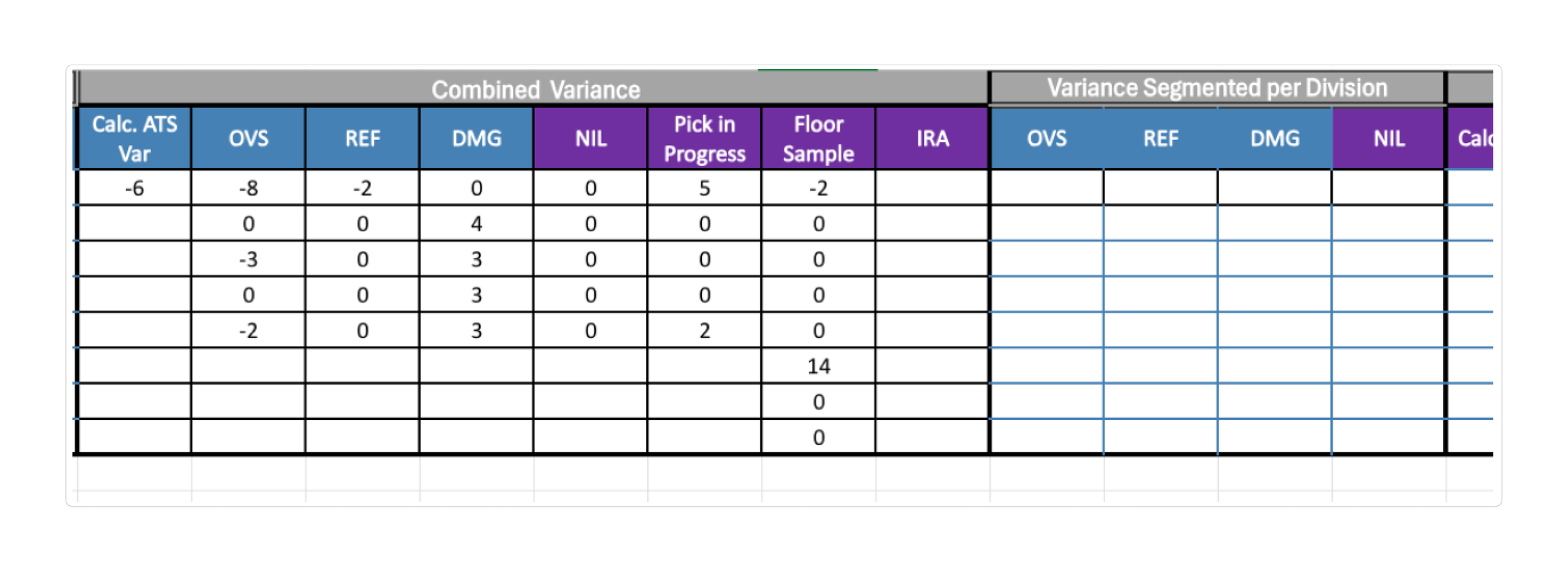
One of the more complex parts of the experience was helping users understand how inventory variances moved between Macy’s systems.
I worked with product, engineering, and business teams to understand the underlying process and translate those rules into an experience users could follow.
Instead of exposing the complexity of the systems, the interface focused on helping users answer three questions:
Where is the discrepancy?
What caused the variance?
What needs to happen next?
The Outcome
Inventory Compass created a more unified foundation for Macy’s inventory reconciliation workflows, reducing reliance on fragmented legacy processes and making inventory discrepancies easier for store teams to investigate.
25%
Improvement in inventory segregation
40%
Reduction in inventory discrepancies
Project 02
Macy’s Point of Sale
Modernizing critical POS experiences for Macy’s store associates
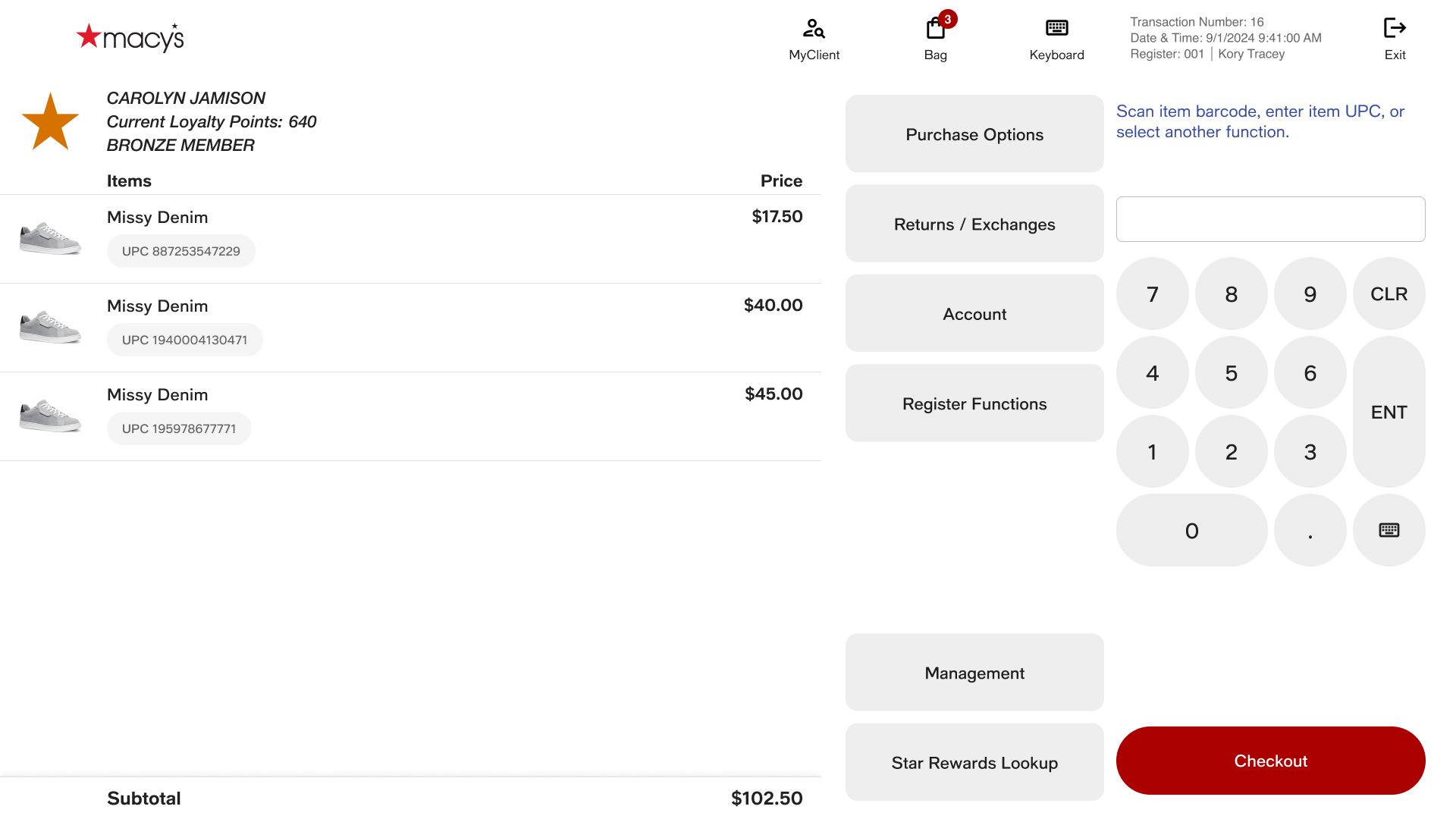
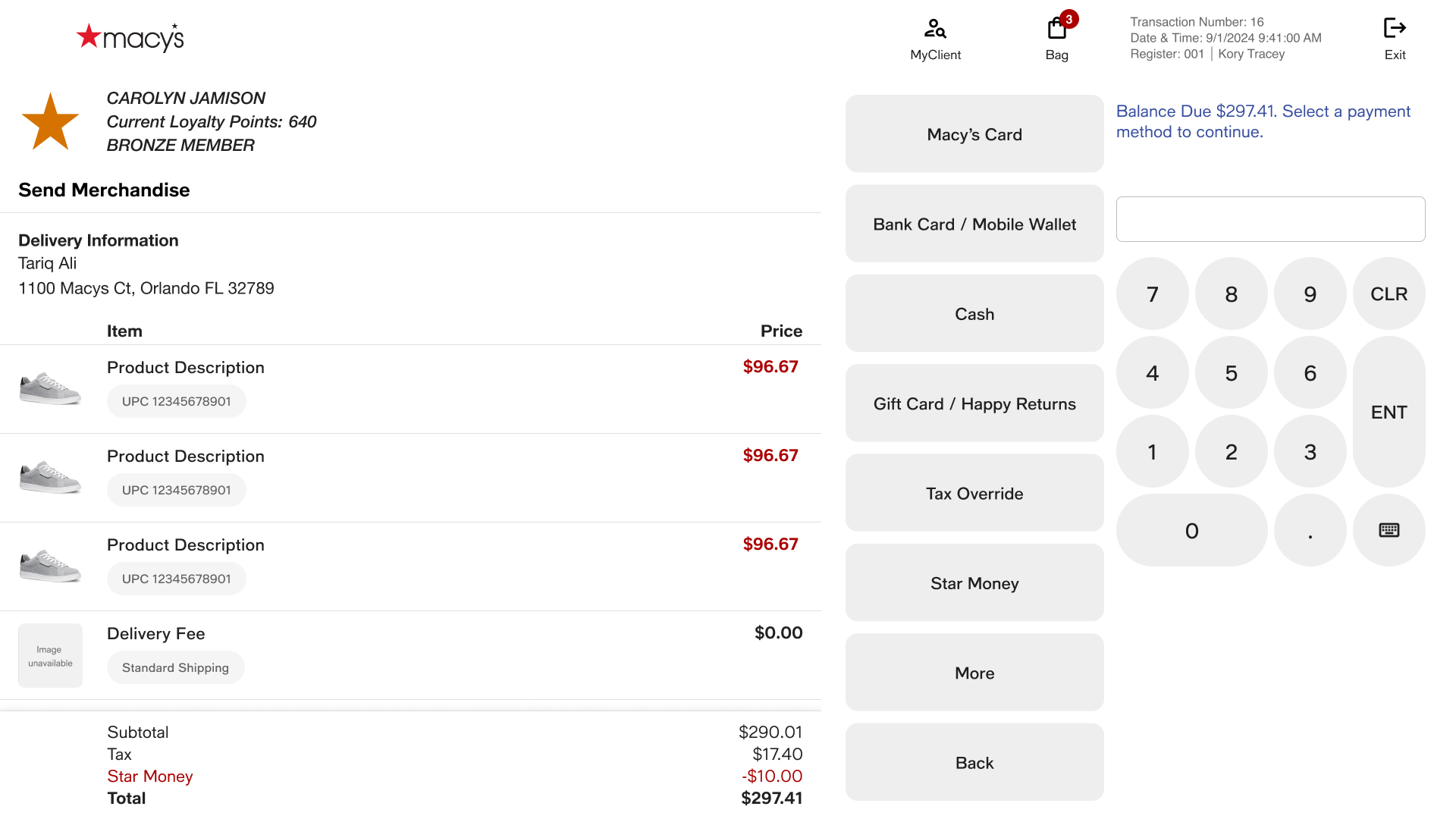
I was responsible for designing and improving multiple features across Macy’s Point of Sale ecosystem. My work covered both customer-facing transactions and store operational workflows, with a focus on making complex processes faster, clearer, and easier for associates to complete.
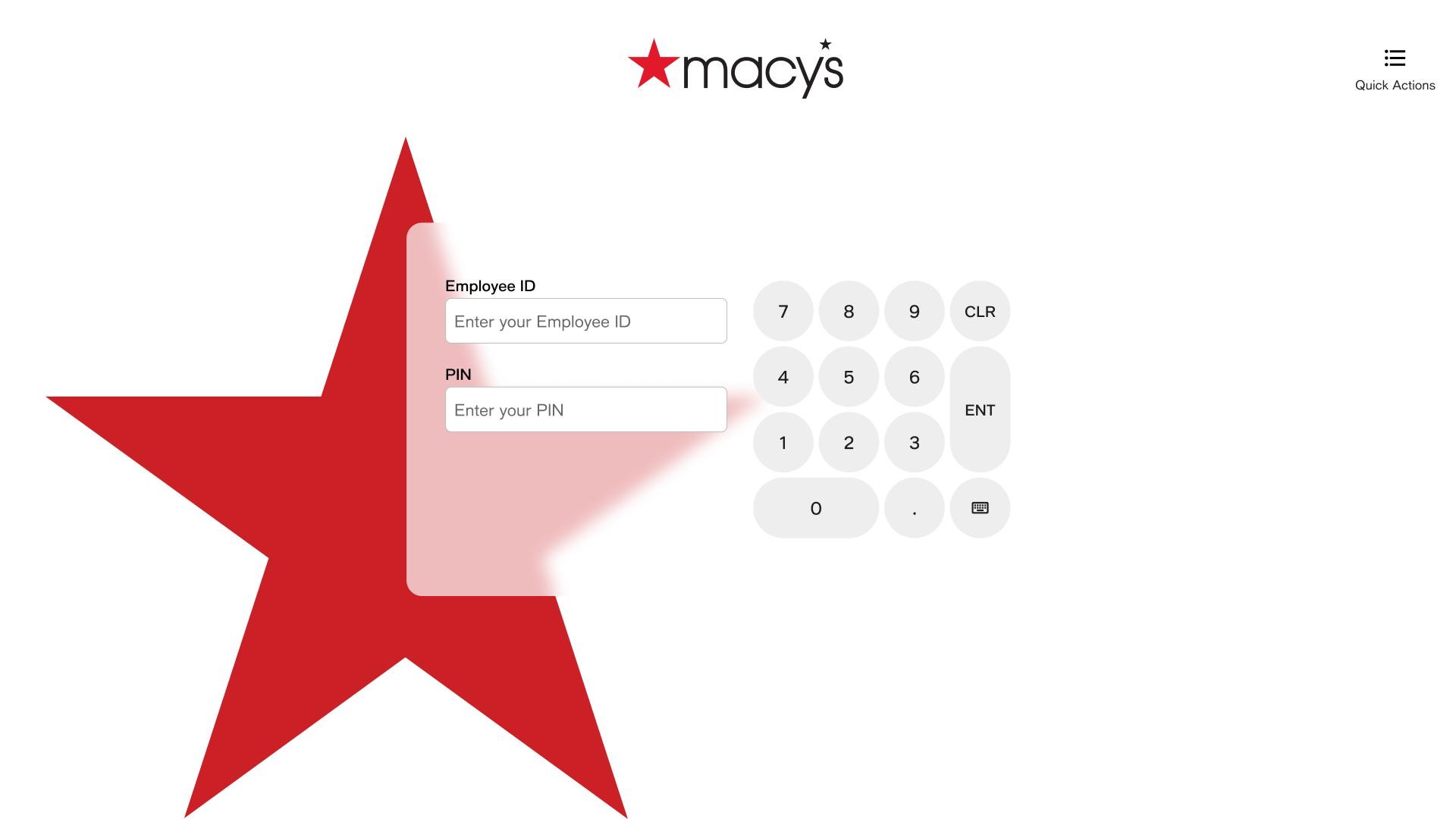
My key areas included Find Merchandise, Store Management, Pay by Link, and the complete checkout experience across multiple tender types.
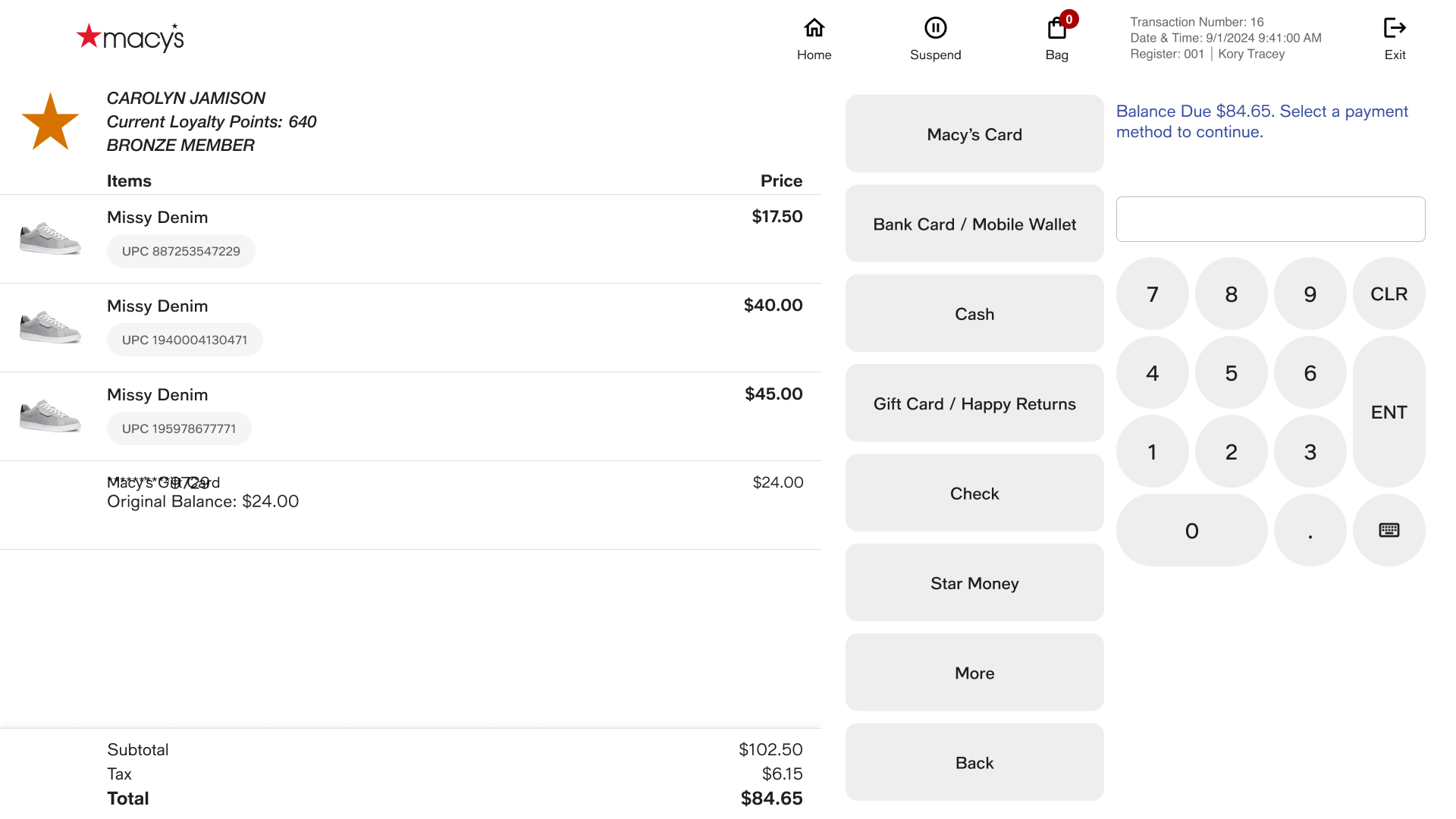
Designing the Checkout Experience
I designed end-to-end payment flows covering:
Credit Card · Macy’s Card · Cash · Check · Pay by Link
Each tender came with different business rules, validations, error states, and edge cases. My goal was to create a consistent payment experience while accommodating the unique requirements of each method.
Find Merchandise
Designed a workflow that allowed associates to quickly locate merchandise by scanning a barcode, entering a UPC, or using a Web ID, then view product details, check store availability, and help customers locate an item.
Store Management
Designed operational workflows including Cash Pickup and Add to Bank, simplifying complex cash-management tasks and providing clearer guidance, validation, and confirmation throughout the process.
Pay by Link
Designed a payment experience that allowed associates to securely send customers a payment link, providing another way to complete a transaction when traditional payment methods weren't practical.